
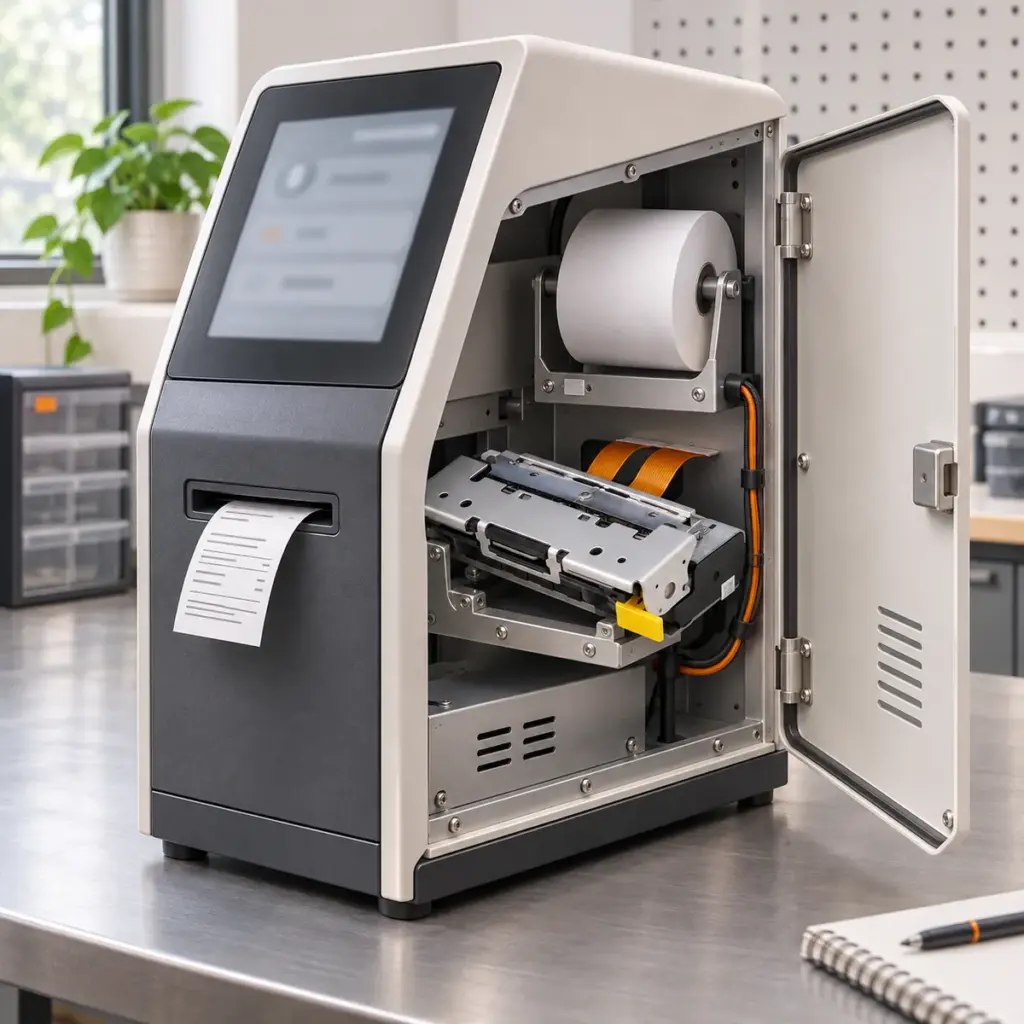
A search for a 3-inch thermal printer module often leads to an 80mm-class receipt-printing assembly for a terminal, kiosk or other machine. That width class helps describe the intended output. Integrating the printing operation also means deciding how the equipment sends each job, observes progress and handles an interruption.
Consider one receipt that starts normally and then stops because the paper runs out. The paper is replaced. Should the equipment resume the remaining content, issue a new receipt, or wait for an operator? That decision connects the printer configuration with the host application’s workflow.
This article follows that single job. The aim is to give a supplier a useful picture of the operation you need, so the mechanism and control arrangement can be discussed together.
Start with the 80mm Receipt Your Equipment Needs to Produce
Treat “3-inch” as a search category, then use the selected product’s actual paper and printing dimensions. For example, the Uright UR486F mechanism specifies 80mm paper and a 72mm effective printing width. The paper width and the area available for the image describe different things.
A representative receipt gives the integration discussion something concrete: the information to print, the layout, its usual length and how it should be separated. Include a long example if job lengths vary. The output the customer must receive is more useful than a width label alone.
In equipment integration, “module” can refer to an assembly containing a mechanism and additional parts. Our mechanism and module supply guide explains that supply distinction. The supplied controller and host interface need to be identified for the selected configuration. An 80mm mechanism’s dimensions or detector list do not, on their own, describe the status messages available to the application.
Follow One Print Job Through the Equipment
The host application creates the receipt. A driver, software library or direct command path sends its content to the printing controller. The controller interprets that content and coordinates the mechanism’s printing, feeding and supported cutting operations.
These activities can overlap. While the mechanism is producing one part of the receipt, more of the job may already be waiting in a buffer. A software message confirming that data was sent describes that sending operation. Its meaning should be kept separate from the physical state of the receipt.
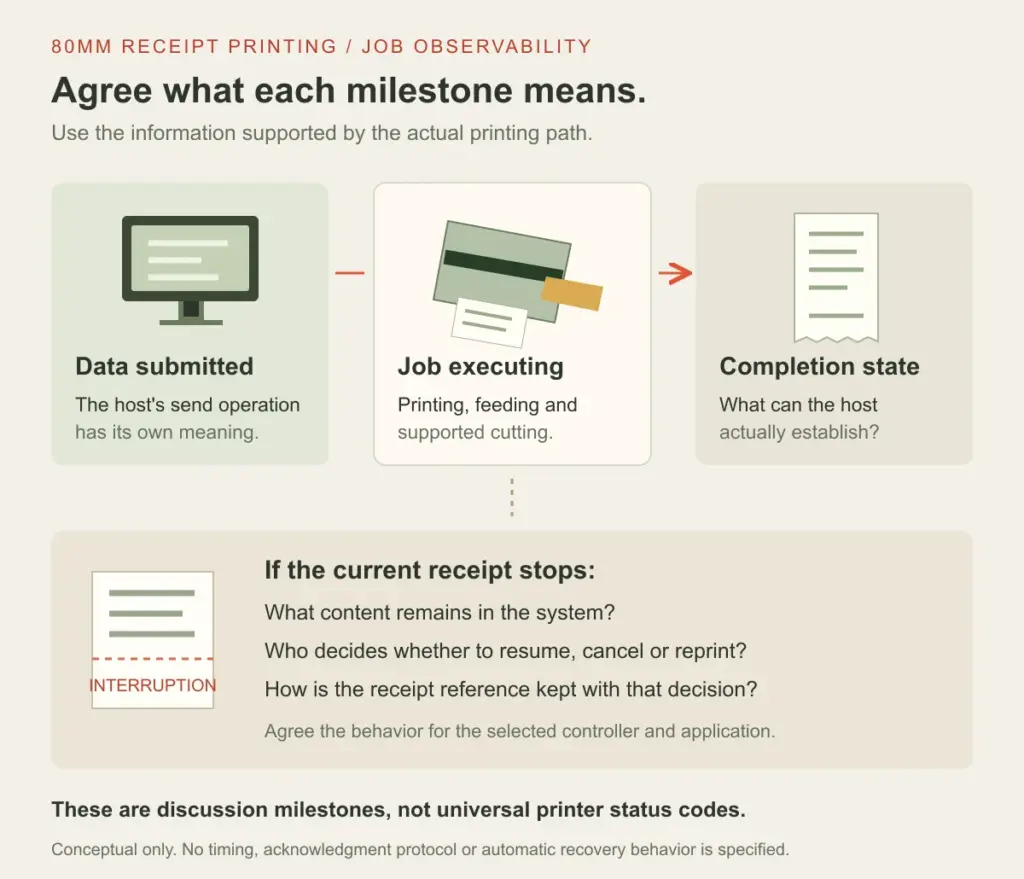
Conceptual milestones, not a command sequence or measured timing chart. The status and completion information available to the host depend on the configured controller and integration.
Before deployment, agree what the equipment means by “receipt completed.” It might need to know that the requested printing sequence has finished and the supported cut operation has completed. If it must also know whether the customer has collected the paper, that requires an appropriate sensing and output arrangement. A paper-present detector inside the mechanism does not establish that a person has taken a receipt.
The host should use the completion information actually supported by its printing path. A fixed wait after sending a job can be a poor substitute when receipt length, graphics content or operating conditions vary. Maximum mechanism speed alone does not define the time to complete every job.
Paper Runs Out: What Happens to the Current Receipt?
Return to the illustrative receipt. Some content is already on paper when printing stops. The host still has to associate the interruption with that receipt and decide what the operator or customer sees next.
The first question is which condition the system can observe. Paper end, an open platen or cover, and a cutter error describe different situations. Available detectors, controller interpretation and host communication determine what can be reported in the actual equipment.
Epson’s real-time status reference, for example, distinguishes printer, offline-cause, error-cause and roll-paper sensor status. It also identifies model-dependent details. These are examples of status meanings to understand, not a claim that every 3-inch printer module implements the same replies.
Establish What Remains After the Stop
Ask what happens to the current job when paper is replaced and the assembly returns to its documented operating state. Does the configured system retain unprinted content? Does it wait for a recovery action? What changes if the controller or host has been restarted?
The answers must come from the actual controller, firmware and software route. Preserve that distinction during an evaluation: reopening a service door, replacing paper, resetting a controller and restarting the application are different events. They should not all be treated as the same “try again” action.
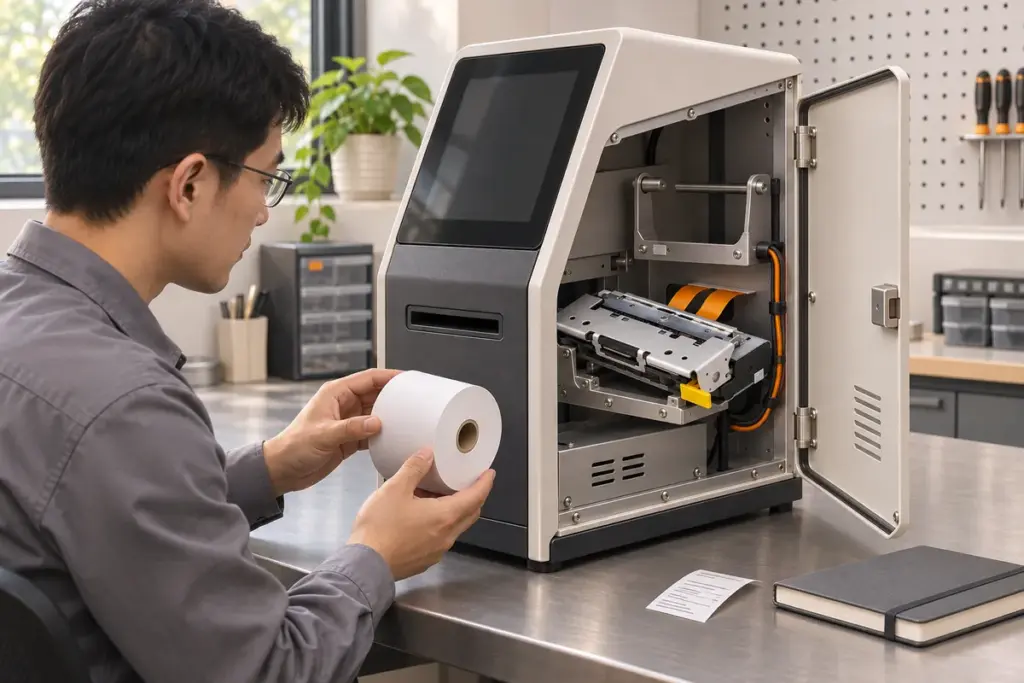
Editorial service illustration, not an installation instruction or an actual fault-recovery test. Follow the selected equipment’s operating and paper-loading procedure.
Reprinting Needs a Defined Decision
If the host immediately resends the whole receipt while the original job is still retained downstream, the system can produce repeated content. If it assumes that sending succeeded and discards the record of an interrupted job, the customer may be left with incomplete output. These are possible integration outcomes, not reported Uright product faults.
Define which part of the system decides whether to resume, cancel or reprint, using the supported controls and documented behavior. Keep the application’s receipt reference associated with that decision. Where a complete reprint is the chosen business process, agree how the operator recognizes it and how the partial printout is handled.
A practical review can begin with two representative jobs, labelled A and B in the test record. Interrupt A using a supported, documented procedure. Observe which job the equipment is handling after recovery, what happens to B, and whether the visible output agrees with the host’s record. This is a proposed evaluation approach, not a universal test script or an instruction to force a mechanical fault.
Specify the Printing Assembly and the Host Behavior Together
An 80mm printing mechanism is one part of this arrangement. The controller provides the host-facing printing and status behavior, while the application manages its receipt records and user workflow. Enclosure and service access make the physical operation possible. Those responsibilities meet in the finished equipment.
The Uright UR486F is an 80mm thermal printer mechanism with a cutter and no included control board. Its product specification describes the mechanism; the controller chosen for the equipment determines the host interface and reported job behavior. It should not be described as a complete USB or ESC/POS module simply because a cutter is present.
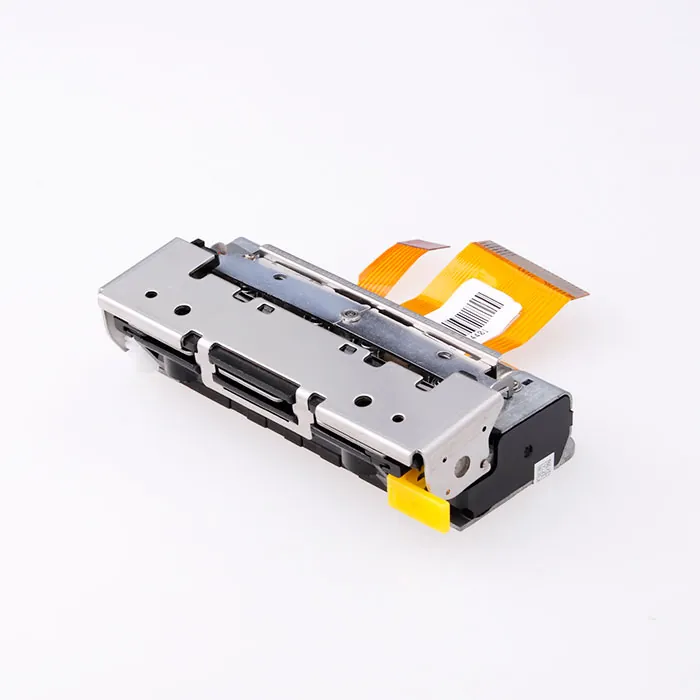
UR486F product photograph. Standard supply is the mechanism with cutter, without a control board; a complete host printing interface belongs to the agreed control arrangement.
For an existing installation, tell us which controller, software and mounting arrangement need to stay. For a new project, explain what sends the receipt and how the equipment should behave during normal output and a paper replacement. We can discuss the printing requirements alongside the suitable mechanism and supplied components.
Bring the Printing Workflow to the First Enquiry
Send a sample receipt, a photo of the equipment or intended installation, and the existing printing model if there is one. A short description such as “the operator replaces paper and then releases the waiting receipt” helps explain the requirement. If you already have a host or controller, include its identification or available documentation.
You do not need to choose every detector, command or control setting before contacting Uright. Tell us what the equipment should do and which parts are already available. We can help clarify the relevant integration questions and discuss a suitable printing arrangement.
Explore our thermal printer mechanisms and modules, or send your existing information by email or WhatsApp to discuss the project.