
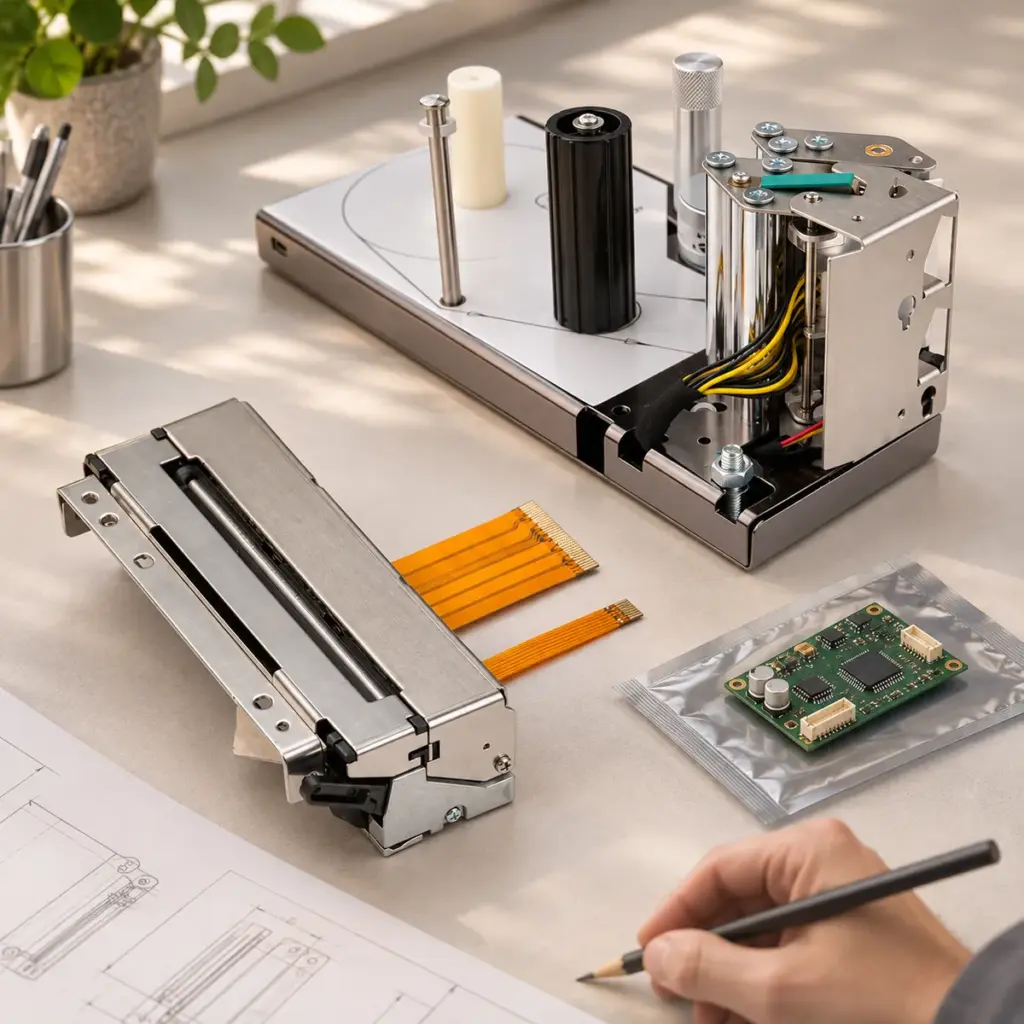
A thermal printer mechanism is the printing assembly at the heart of a device. A thermal printer module generally brings more of the printing system together, potentially including a controller, mounting structure or media-handling parts. The exact supplied components belong in the product description and quotation: the word “module” alone does not define them.
This distinction matters when adding printing to equipment or replacing a part inside an existing machine. A project with a working controller may need a compatible mechanism. Another project may need the controller and label-handling assembly supplied together. Both are valid requirements, with different supply scopes.
You can begin that discussion with the equipment and the output you need. A complete technical specification is not required for the first enquiry.
What Does a Thermal Printer Mechanism Include?
A direct thermal printer mechanism typically brings together the printhead, platen and paper-feed drive. Detectors and a cutter may also be part of the selected mechanism. These components perform the physical printing and feeding operations inside the equipment.
The control board is a separate question. A mechanism supplied without a controller needs the appropriate drive and control arrangement elsewhere in the system. The host equipment may already provide it, or a controller may be included in a broader supply agreement.
The Uright UR347C illustrates a specific configuration: its standard supply is the thermal printer mechanism with an integrated automatic cutter, without a control board. It is offered as a CAPD347-compatible replacement for equipment retaining the existing installation and control arrangement.
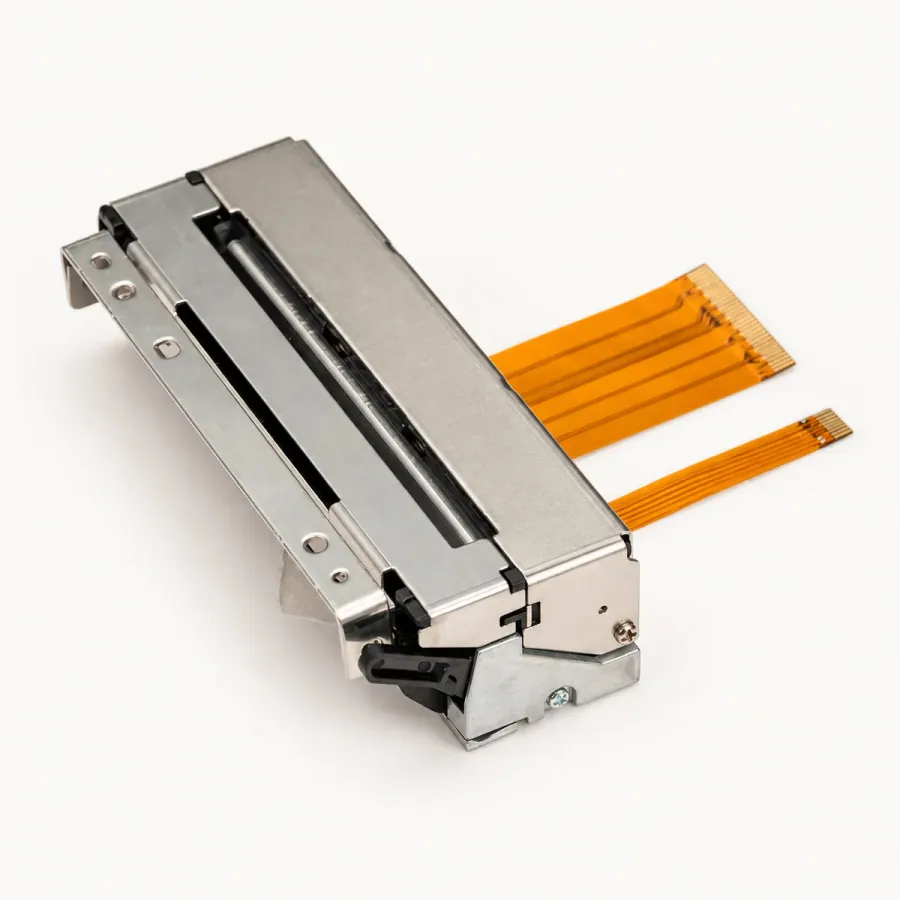
UR347C product photograph. Standard supply includes the mechanism and integrated cutter; a control board is not included.
The cutter is an important example of why the supply description deserves attention. It can be physically integrated into a mechanism while the control electronics remain outside that supplied assembly. Seeing a cutter on a product therefore does not establish that the product includes a controller or a complete host interface.
For replacement work, supplying the mechanism alone can be exactly what is required. A compatible replacement lets the equipment keep parts of the printing system that already work. Adding a new controller would be a different project decision, rather than an automatic improvement.
What Does a Thermal Printer Module Add?
A thermal printer module can combine the printing assembly with additional functions on a shared structure. Those functions might include the controller, paper support, cutting, label peeling or liner rewinding. Their inclusion depends on the particular module and the quoted configuration.
Consider a label-printing task in which the operator needs a printed label ready to lift away from its backing. The required operation continues after the image has been printed. The label needs to be presented for removal, and the backing needs a defined route. A module can bring those handling functions into the supplied assembly.
The Uright UR561P is one example. Its standard configuration includes a control board, label-peeling mechanism and liner rewinder. That is a different supply arrangement from the mechanism-only UR347C, serving a different printing task.
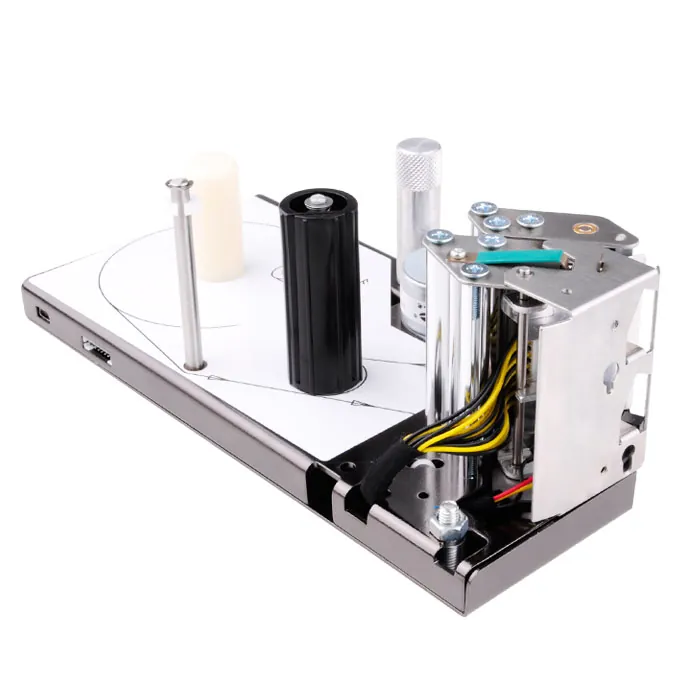
UR561P product photograph. The standard module includes a control board, label peeling and liner rewinding. Components are identified from the product specification, not solely from this viewing angle.
These two products explain the distinction; they are not competing models for the same job. The useful comparison is what each supplied assembly contributes to its equipment.
| Supply item | UR347C mechanism | UR561P label module |
|---|---|---|
| Printing assembly | Included | Included |
| Control board | Not included | Included |
| Supply focus | Receipt mechanism with cutter | Label printing and presentation |
| Label peeling and liner rewinding | Not part of this supply | Included |
Use these as named product examples. They are not universal rules for every mechanism or module sold by every supplier.
Agree Where the Supplied Assembly Stops
The most useful procurement discussion is often about the boundary between the printer assembly and the rest of the equipment. A product can include its controller while still relying on the host machine for the application, power source, installation structure or output access. A module is not necessarily a finished desktop printer with an enclosure and external adapter.
Start with three practical statements: what is already installed, what you want supplied, and what still needs to be agreed. This makes the enquiry concrete without requiring the customer to design the printing system first.
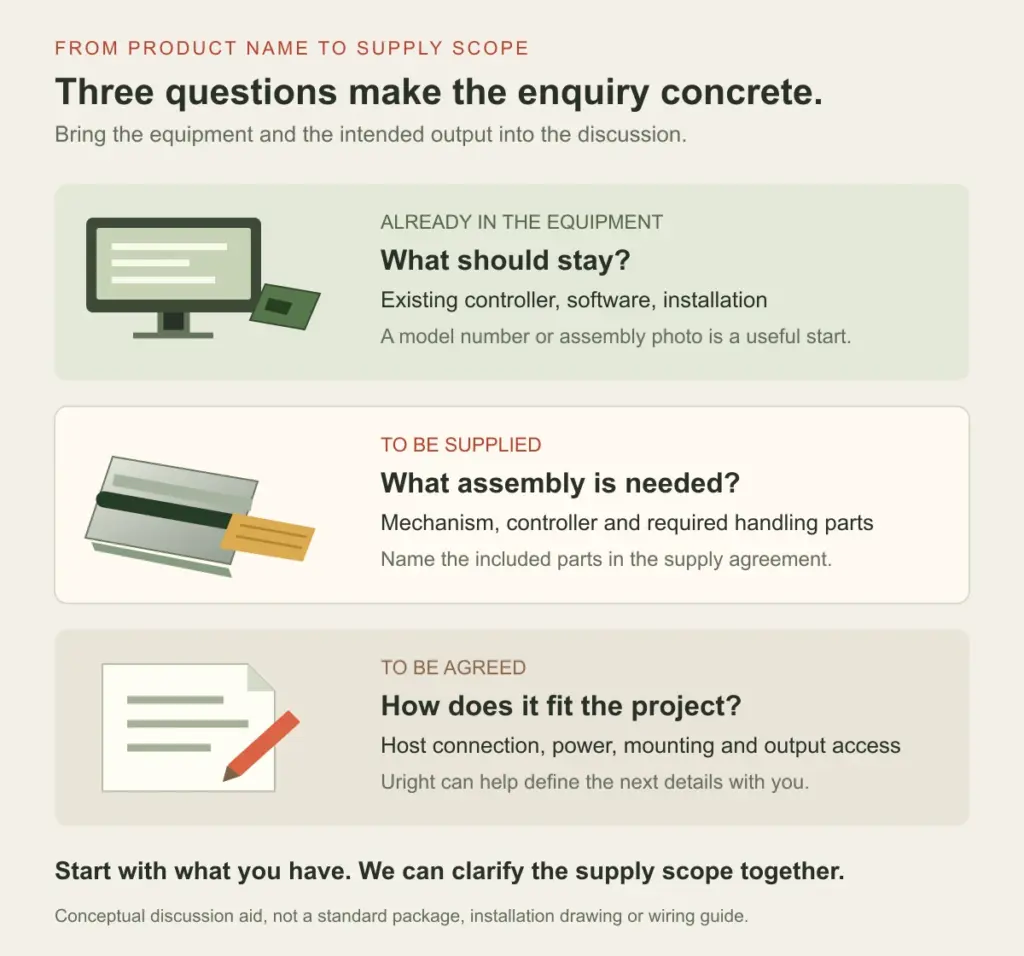
Conceptual supply discussion. The sections describe responsibilities to agree for the project, rather than a standard package or a wiring arrangement.
A Control Board Defines Only Part of the Connection
If a board is included, identify how the host will send its print job to that configuration. The supported host interface and printing commands belong to the controller and firmware. The presence of a board does not, by itself, identify a USB connection, a command language or a software package.
For the customer, the starting information can be simple: the device or software sending the print job, the existing connection, and a representative receipt or label. Uright can then discuss the appropriate control arrangement and what information is needed next.
Supplied Hardware and the Installed Workflow Meet at the Boundary
A label module may include peeling and rewinding, while the equipment still needs to provide a suitable pickup position. A receipt mechanism may include a cutter, while the enclosure provides the outlet through which the customer collects the paper. The supplied function and its position in the finished equipment need to be considered together.
The same applies to power and mounting. A listed operating voltage identifies an electrical requirement; it does not automatically mean an external power adapter is in the package. A mounting structure on a module does not establish which brackets, cables or fittings are included for your machine. Put those items into the supply discussion when they are needed.
This is also why quotations should be compared on an agreed scope. A mechanism-only price and a module price can represent different included components and responsibilities. Establish the parts and functions being supplied before treating the two prices as alternatives for the same requirement.
Start with the Equipment You Have
For an existing machine, send the original printer or mechanism model and photographs showing how the assembly is installed. Explain which parts you want to retain, such as the control board, software, mounting arrangement or paper supply. That gives the replacement discussion a clear starting point.
For a new design, describe the output and what happens to it. Is it a receipt handed to a customer, a ticket collected from a terminal, or a label lifted from its backing? Include a sample layout or a photograph of the intended installation if available. Uright can help work out which components should be supplied together and which can remain part of the host equipment.
Browse our thermal printer mechanisms and modules for the available product families. Send what you already have by email or WhatsApp, and tell us what you need the printing operation to achieve. We can discuss a suitable assembly and a clear supply scope with you.