
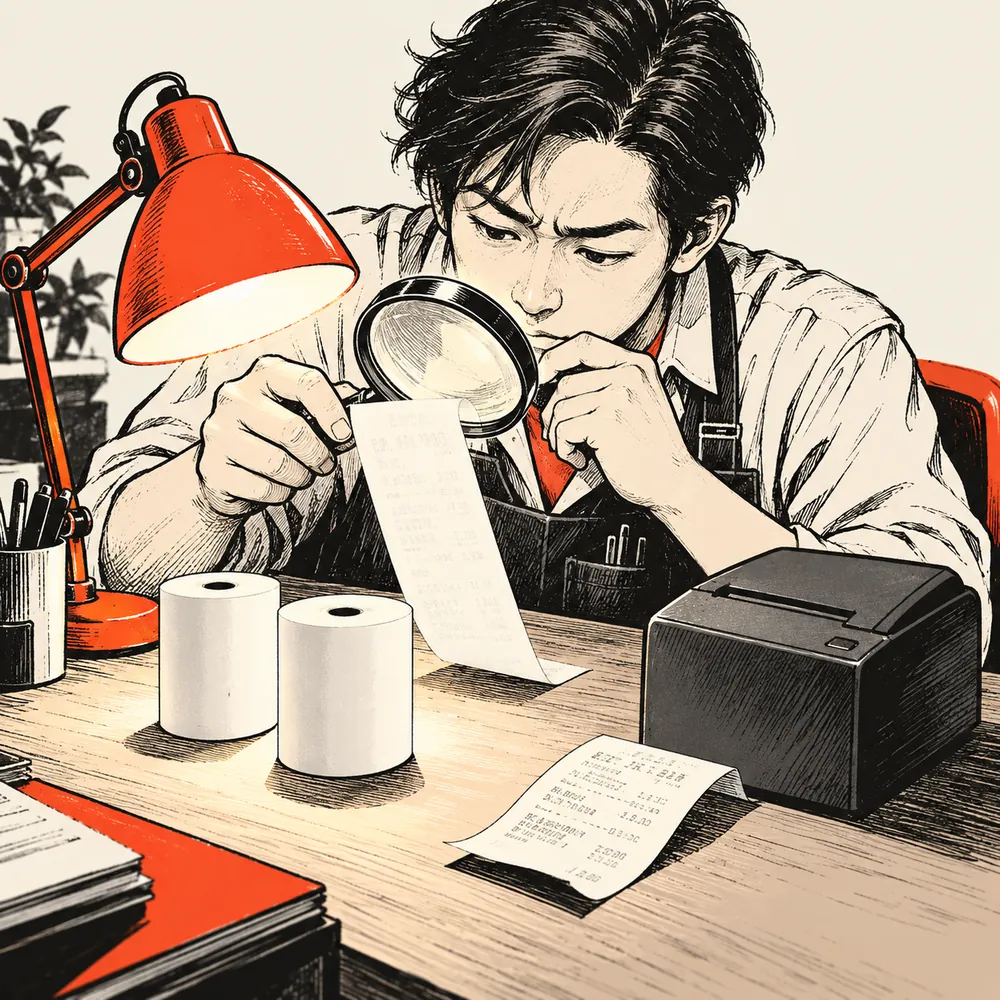
The printer is making all the right noises. The receipt, meanwhile, looks reluctant to put anything in writing.
Before giving the printer a performance review, give the paper a short interview. A controlled roll swap can help you decide whether the loaded paper deserves closer attention. No tools, no dismantling, and preferably no changes to six settings at once.
This article looks at one symptom: a receipt that comes out uniformly too light when freshly printed. A fixed white stripe or an old receipt that faded in storage needs a different investigation.
Meet Roll A and Roll B
Roll A is the paper producing the faint receipt. Roll B is a compatible direct thermal roll known to produce clear output, ideally from a previously working supply for this printer. A new roll from the same suspect box is a weaker comparison: new packaging is not a character reference.
Both rolls must fit the printer’s specified width, diameter and thickness. Load the thermal printing side in the correct direction, following the model’s instructions. If you need a format check first, see our 58mm vs 80mm receipt printer guide.
Checking with another roll is an established troubleshooting approach. Star Micronics recommends comparing paper supplies when investigating faded output. The comparison below adds a simple record and a return to the original roll to make the observation easier to interpret.
One Printer. One Job. Two Rolls.
Choose a short receipt file with an item line and total. Use the same printer, application, connection, template, quantity and available print settings throughout. If your usual receipt includes a logo, keep that same logo in every run. Record the existing settings before starting.
Print with A. Keep a sample and mark it A on the reverse, outside the printed area. Note whether text and any logo are both light.
Swap to B. Stop the job and change rolls using the model’s loading procedure. Follow its power-off and cooling instructions. Close the cover properly, then print the same file again. Do not change darkness, speed or image scaling between samples.
Return to A. If the first comparison shows a difference, reload A correctly and repeat the same job. Keep the samples in sequence. You are looking for a repeatable pattern, rather than one receipt having a particularly good morning.
THE PAPER INTERVIEW / TEST NOTES
Same printer: ______
Same file and settings: ______
A / Original roll
Fresh output: ______
B / Known-good compatible roll
Fresh output: ______
A / Original roll, reloaded
Fresh output: ______
Paper sources or batches: ______
Anything else changed during loading? ______
Fill in your observations. This is a recording template, not a reported product test.
Compare the fresh samples side by side under the same lighting. Photograph them together; separate phone photos may apply different exposure and make the comparison misleading. Remove customer information from any files or images you send for support.
Read the Result Without Making It Confess
A is light, B is clearer, and A becomes light again: the result points toward a paper-related difference under the current setup. Record the roll source or batch and discuss a suitable supply with your printer or paper supplier. It does not prove that the paper is counterfeit, or establish the one “correct” darkness setting for every roll.
A and B are both light: the swap has not isolated paper as the cause. Keep the samples and original settings for support. The printer, configuration and printing path still need investigation; replacing parts would be an early verdict.
A prints better after being reloaded: loading or cover seating may have affected the result. A roll swap changes more than the paper if the media is reseated along the way. Record that outcome instead of declaring B the winner.
Resist the darkness knob for now. Turning it up during the swap changes the experiment. Compare the rolls first; any later adjustment should follow the instructions for the printer and configuration. More heat is not a substitute for knowing what changed.
Send Two Samples, Not Just “It Is Faint”
Send Uright Tech the printer model, A/B/A sample photo, paper dimensions and source, the receipt file, and a screenshot of relevant print settings. Tell us whether the problem began with a different paper supply. Those details make the next conversation much more useful than “still pale.”
A useful stopping point
No suitable comparison roll? Skip the experiment and ask for a compatible paper recommendation. A useful comparison needs a useful reference.
Email Uright Tech or message us on WhatsApp with your samples. If you are planning a new installation, our 80mm receipt printer buying guide explains how to include paper and sample receipts in the purchasing brief.
The printer can keep its job for now. We have only interviewed the paper.