
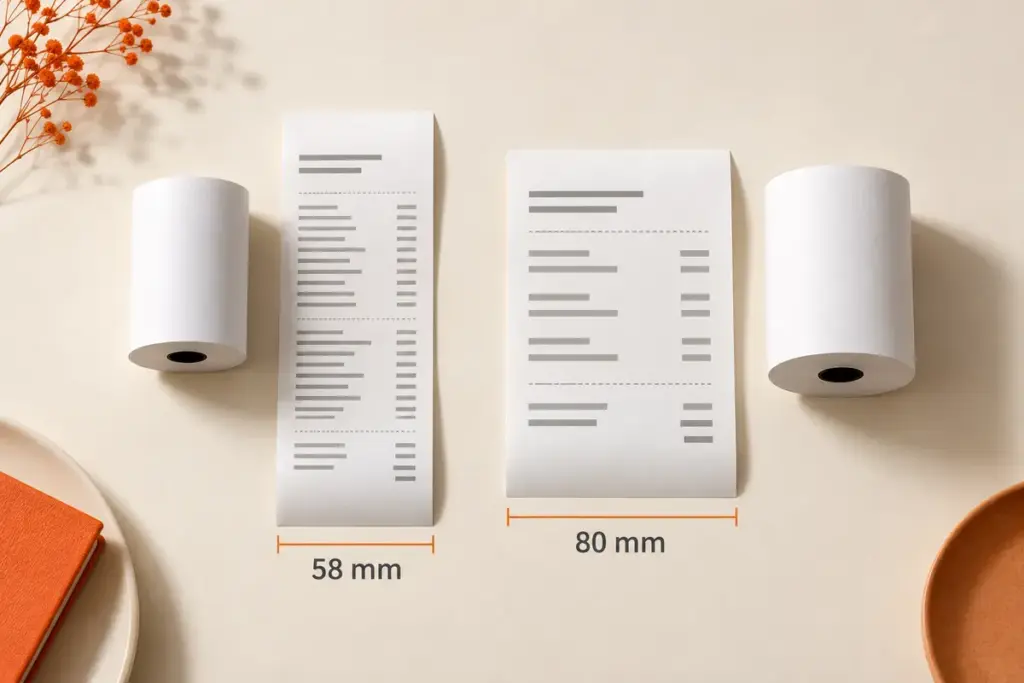
Choose a 58mm receipt printer when your receipts are short and a compact counter setup is a priority. Choose an 80mm receipt printer when you need more room for item descriptions, quantities, prices and other transaction details. Then check the specific model’s paper requirements, cutter, connection options and POS compatibility.
This 58mm vs 80mm receipt printer guide explains the layout differences, shows where each size can fit, and compares three Uright models for practical purchasing decisions.
What Do 58mm and 80mm Actually Mean?
The numbers describe the nominal paper width. They do not describe the printer’s enclosure size, paper roll diameter or effective printing width.
For example, the Uright UR-2890A is marketed as a 58mm receipt printer and specifies paper width of 57.5 ± 0.5 mm. The UR-3390 is an 80mm model and specifies 79.5 ± 0.5 mm. Use each model’s specified range when ordering paper.
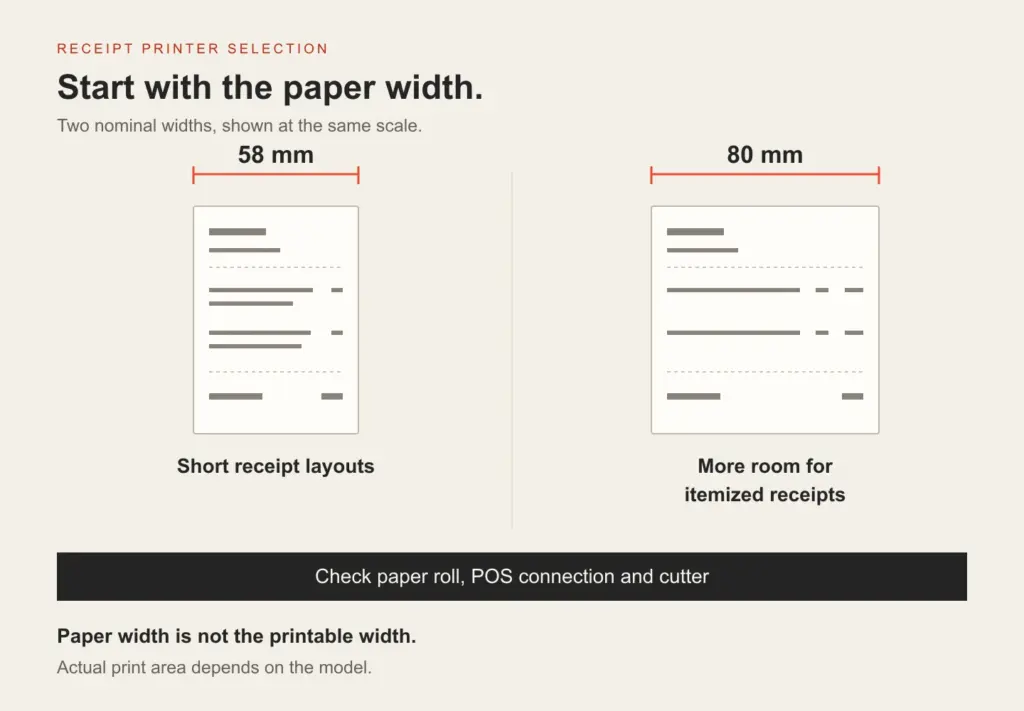
Paper width is not the same as printable width. The printhead and margins determine the usable area. Do not assume that a 58mm printer prints across all 58 mm, or that every 80mm model has the same printable area. Manufacturer documentation, such as Epson’s technical reference guide, lists paper size and printing width separately.
58mm vs 80mm: The Practical Differences
| Selection point | 58mm receipt printer | 80mm receipt printer |
|---|---|---|
| Receipt layout | Narrower space for columns; long descriptions may wrap onto more lines | More room for item names, quantities, prices and additional fields |
| Counter space | Compact desktop models are available; check actual enclosure dimensions | Check the selected model’s dimensions and paper-loading access |
| Typical selection reason | Short receipts or a counter with limited equipment space | Itemized retail receipts and restaurant bills requiring a wider layout |
| Paper supplies | Match the specified width, roll diameter and paper thickness | Match the specified width, roll diameter and paper thickness |
| Speed, cutter and connection | Depend on the model and configuration | Depend on the model and configuration |
For the same transaction, a narrow layout may need more lines. An 80mm layout can provide more room for descriptions and separate columns. The result depends on your receipt template, font size, margins and required content.
Wider paper does not automatically mean better print quality or faster printing. Compare resolution, rated speed, cutter operation and the output generated by your POS software separately.
Which Size Fits Your Application?
Small Counters and Short Receipts
A 58mm model can be a practical starting point for a small counter issuing short payment or service receipts. Review a sample containing your longest item name and all required fields. If the text wraps heavily or the receipt becomes difficult to read, test a wider layout before selecting the printer.
Retail Checkout and Itemized Receipts
Start with an 80mm model when receipts include many products, separate quantity and price columns, discounts or customer information. Wider paper gives the template more room to arrange those fields. Also confirm cash drawer requirements, paper-loading clearance and the connection used by the POS terminal.
Cafés, Takeaway Outlets and Restaurants
Choose the width around the document you actually print. A short payment receipt may fit a 58mm layout, while an itemized bill or order slip with modifiers and long item names may benefit from 80mm paper. If staff separate many receipts during a busy service period, include cutter operation in the selection checklist.
For more scenario examples, explore retail and POS receipt printing and restaurant and hospitality printing.
Six Things to Check Before Ordering
1. Test Your Actual Receipt Layout
Use a sample from your own POS software. Include long descriptions, totals, logos and any barcode or QR code that your application requires. Check the printed output for wrapping, clipped content and readability. Set the template to the chosen model’s effective printing width.
2. Check the Whole Paper Roll Specification
Paper width alone is not enough. Confirm roll diameter, paper thickness and any core requirements for the selected printer. A roll can have the right width and still be too large for the compartment. Ask your paper supplier for the complete roll specification.
3. Choose the Connection for Your POS Setup
USB, Ethernet and Bluetooth options should be selected around the device and software that will send print jobs. Do not assume that all interfaces are included in every version. For networked setups, confirm how the POS system addresses the printer; for wireless setups, confirm device, operating system and application support.
Once you have chosen the paper width, compare USB, Ethernet and Bluetooth receipt printer connections for your POS setup.
4. Decide How Receipts Will Be Separated
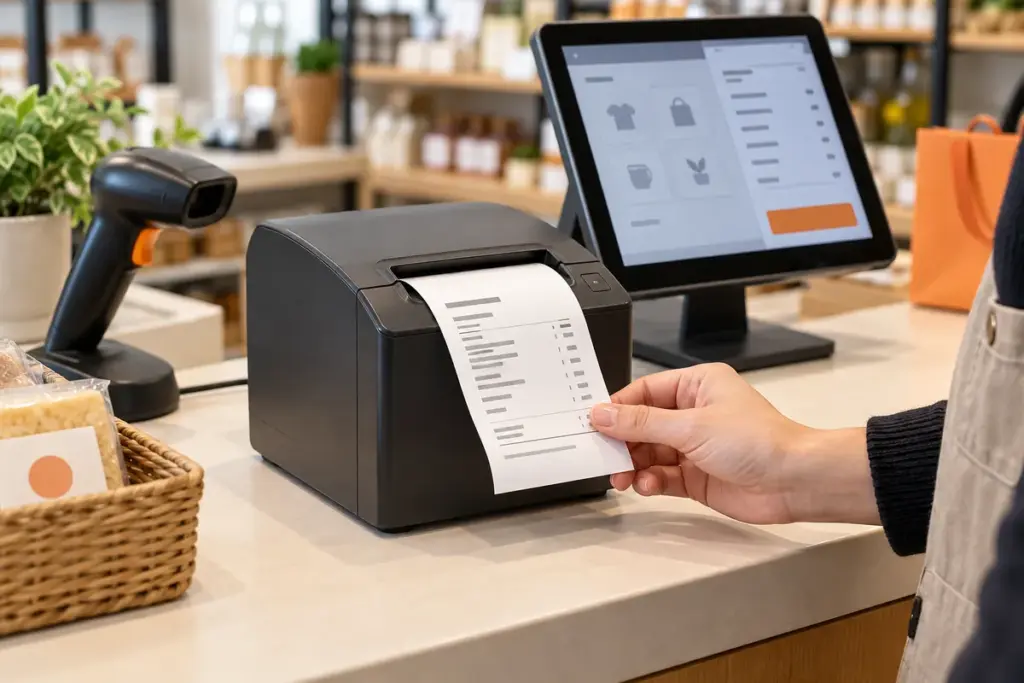
Manual tear-off and automatic cutting create different operator workflows. Compare the actual cutter specification rather than inferring it from paper width. Automatic cutting can be useful where staff regularly separate printed receipts, but the application must also send suitable cutting commands.
5. Confirm Software and Required Output
ESC/POS support is a useful specification to review, but it does not by itself establish compatibility with every POS program. Confirm the driver or integration method, operating system, required commands and language or font support. Test any logos and codes needed by your application on a sample unit.
6. Compare Running Requirements and Supply
Consider paper availability, printed receipt length, frequency of roll changes and staff handling. A narrower roll does not guarantee lower overall paper consumption: wrapping can make the same receipt longer. Request a quotation for the required printer configuration and quantity, then compare paper supplies using your actual receipt layout.
Uright Models to Consider
The following examples use the current Uright product specifications. They show why model features should be reviewed alongside paper width.
UR-2890A and UR-2890U: consider these models for compact desktop receipt-printing setups using narrow paper. Both use manual paper separation. Confirm the available USB or Bluetooth configuration and the software requirements before ordering.
UR-3390: consider this model when you want an 80mm receipt layout with automatic cutting. It provides 203 dpi resolution, a specified speed of 220 mm/s, a maximum roll diameter of 83 mm, and desktop or wall-mount installation options. Listed interface configurations include USB, USB with Ethernet, and USB with Bluetooth. Select the version required by your project.
The speed figures describe these specific models; they are not a rule that applies to every 58mm or 80mm printer. Browse the receipt printer range for individual specifications.
Frequently Asked Questions
Can an 80mm Receipt Printer Use 58mm Paper?
Some printers support a narrower paper roll through a paper guide and appropriate settings. Support depends on the model. Check the printer documentation and required software layout before changing paper size; do not assume that every 80mm printer supports 58mm rolls.
Does an 80mm Printer Produce Sharper Receipts?
Paper width determines the available layout space. Sharpness also depends on resolution, thermal paper, print settings and the content supplied by your software. A wider receipt can give text and graphics more room, but width alone does not determine image quality.
Does a 58mm Printer Always Use Less Paper?
No. Compare the final receipt length as well as its width. A narrow layout can wrap descriptions onto additional lines. Paper cost also depends on the roll specification and supplier quotation, so compare using a sample of your actual transactions.
Do These Printers Need Ink or Ribbons?
The Uright models described here use direct thermal printing on suitable thermal paper. They do not need ink cartridges or ribbons.
Should I Choose Paper Width or Connection Type First?
Review both before ordering. The paper width must suit your receipt layout, and the printer connection must work with the device and POS software sending the print jobs. A suitable paper size alone does not establish software compatibility.
Get Help Choosing a Receipt Printer
Send Uright Tech a sample receipt, your application, POS software or device, preferred connection, required cutter operation, quantity and delivery destination. These details help us recommend a suitable model and configuration.
View the UR-3390 80mm receipt printer, explore all receipt printers, or contact us by email or WhatsApp.