
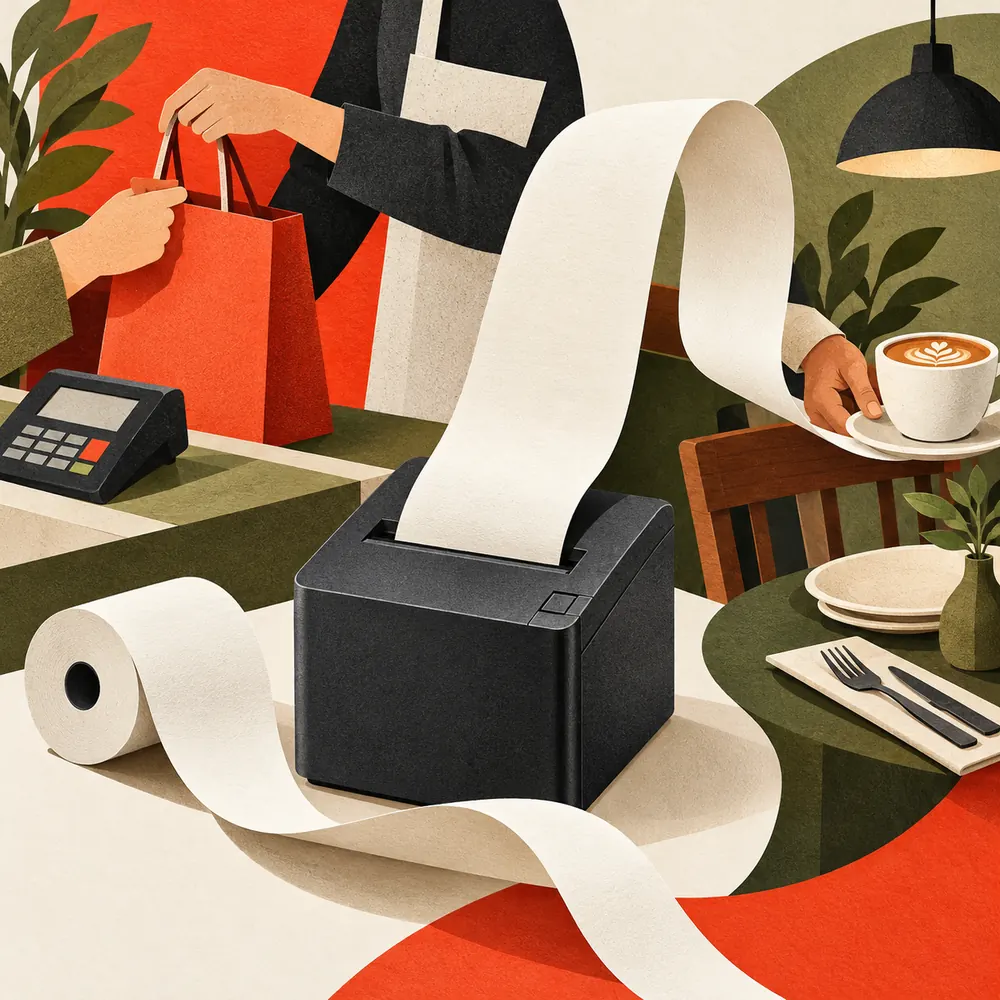
The queue is moving, the cashier has finished the sale, and the customer is waiting for a receipt. That moment is a useful starting point when choosing an 80mm receipt printer: what must happen between pressing Print and handing over the paper?
A suitable configuration brings together the POS application, receipt layout, paper supply, cutting operation and counter arrangement. This buying guide starts with two everyday settings, then turns those requirements into a practical brief for your supplier.
THE BUYING DECISION
Choose the setup that takes a sale all the way to a readable, ready-to-hand-over receipt.
Bring three things to the first conversation: your POS details, a receipt sample and a counter photo.
Two Counters, Two Different Buying Briefs
Picture the following situations as planning examples. Both need readable receipts, but the questions that determine a workable installation are different.
SCENE A / THE RETAIL CHECKOUT
“We need itemized receipts and a drawer that opens at the right moment.”
Think about the space shared by the POS terminal, scanner, goods and paper. The buying brief should explain how the application prints a sale, how the drawer is controlled, and how staff reach the receipt and replace the roll. Include a long basket of items in the sample trial.
SCENE B / THE CAFE OR RESTAURANT BILLING COUNTER
“We need bills that staff can collect quickly during a busy service.”
Separate the customer billing point from any other order-output location in the buying brief. Identify which application sends each job, where paper is collected and whether the counter needs desktop or wall-mounted equipment. Assess the actual operating environment when specifying a printer for another area.

Illustrated planning scenarios with generic equipment; not customer installations or exact representations of a Uright model.
Start by drawing the printer’s position on a counter photo. Mark where staff stand, where the receipt is collected, how the cover opens and where the cables run. A printer’s footprint is only part of the space it needs during use.
For more setting-specific ideas, explore Retail & POS Receipt Printing and Restaurant & Hospitality Printing.
The Questions That Decide the Configuration
Which POS application will send the receipt? Record the software name, version, device and operating system before selecting the interface. Ask the software provider how it sends output: through a driver, an SDK, a supported printer profile or a command-based connection. An interface name alone does not establish that the complete printing path works.
Some POS providers maintain specific supported-hardware lists. SumUp’s printer compatibility guidance is an example of why the software’s own requirements belong in the buying brief. Use the requirements for your application when evaluating Uright equipment.
What does the actual receipt contain? Supply a short receipt and a long one, including item descriptions, discounts, totals, the required languages, logo and any QR codes. Check the readable layout in the available print area. The nominal 80mm paper format does not mean the artwork can use 80mm of printable width.
If you are still deciding on paper format, use our 58mm vs 80mm receipt printer guide. If the paper format is settled, choose the connection around the installation using our USB, Ethernet and Bluetooth guide.
What happens during a busy period? Describe how many printing points are active and the kinds of jobs sent in succession. Evaluate the time from the application’s print action to a usable, separated receipt, including any software or network delay. A quoted mechanical printing speed helps describe the printer, while the complete trial shows how the checkout operates.
What must work alongside the printer? Include cash drawer requirements, paper availability, cable routes and the installation position. For a printer-driven cash drawer, confirm the voltage, connector, wiring and the way the POS application triggers it. Star Micronics’ cash drawer guidance also identifies interface, voltage and cable compatibility as checks before deployment.
Use this table to turn an initial enquiry into something a supplier can evaluate:
| Buying question | Evidence to provide |
|---|---|
| Can it work with our printing path? | POS name and version, device, operating system and required connection |
| Will our receipts be readable? | Short and long receipt files, languages, logo and QR-code examples |
| Will staff handle it comfortably? | Counter photo, collection position and required cutting behavior |
| Will our paper fit? | Paper width, roll diameter and thickness from the intended supplier |
| Will the drawer operate correctly? | Drawer model, voltage, connector or wiring information and POS control method |
| Can we repeat the setup across locations? | Quantities, store layout variations, interface versions and delivery destination |
Where the Uright UR-3390 Fits
The Uright UR-3390 is an 80mm direct thermal receipt printer to consider for retail checkout and restaurant billing. Its angular enclosure suits a compact counter arrangement, with desktop and wall-mount installation options.
UR-3390 / CONFIGURATION SNAPSHOT
220 mm/s · 203 dpi
Automatic partial / full cutting
Maximum roll diameter: 83 mm
Use these specifications to shortlist a sample configuration, then check it with the intended POS and receipt files.
Specify the required interface version when enquiring: USB, USB with Ethernet, or USB with Bluetooth. Bring the POS details and sample receipts into the discussion so the printer configuration and printing method can be evaluated together.
For paper procurement, the listed width is 79.5 ± 0.5 mm and thickness is 0.06–0.08 mm. Confirm the intended roll against these limits and the paper compartment before ordering stock. For a drawer-based checkout, match the drawer to the printer’s listed DC 24 V / 1 A output and its connection requirements.
You can also browse the receipt printer range when the project needs a different format or arrangement. Keep the same buying brief when discussing alternatives; that makes responses easier to compare.
Run a Store-Style Sample Trial
Before committing to a wider rollout, use a sample configuration with the intended POS application, connection and paper. Give staff the same files and operations they will use at the counter.
Start with a normal sale, then a longer itemized receipt and several jobs sent in succession. Check that the right information appears, totals and codes remain readable, and staff can collect receipts conveniently. Scan printed codes with the devices intended for the project.
Next, include the tasks that happen between sales: replacing a roll, accessing cables and opening the connected cash drawer through the POS workflow, where required. Check print recovery after ordinary power or connection interruptions using the documented operating procedure. Keep a record of the configuration and any settings needed for consistent operation.
For a chain or distributor project, agree how an approved sample will be identified in subsequent orders. Record the model, interface version, software or firmware details where relevant, accessories and destination plug requirements. Those details help purchasing and installation teams order the configuration they evaluated.
The useful outcome is a clear record: the setup that worked, the receipt files used and any remaining questions for the supplier or POS provider.
Send a Buying Brief, Get a Useful Quote
A request that only says “80mm printer price” leaves the supplier to guess the configuration. Copy the brief below into an enquiry, fill in what you know, and attach a receipt sample with customer information removed.
COPY THIS INTO YOUR ENQUIRY
80mm receipt printer buying brief
Business and installation: [retail / cafe / restaurant billing; counter photo attached]
POS and device: [software and version; device; operating system]
Connection and paper: [required interface; paper width / roll diameter / thickness]
Receipt and cutting: [sample files attached; languages; logo / codes; required cutting behavior]
Cash drawer: [not required / model and electrical or wiring details]
Purchase plan: [quantity; destination; sample request; target schedule]
Send your brief by email to Uright Tech or WhatsApp. We can discuss a suitable configuration, sample requirements and the information needed for your quotation.