
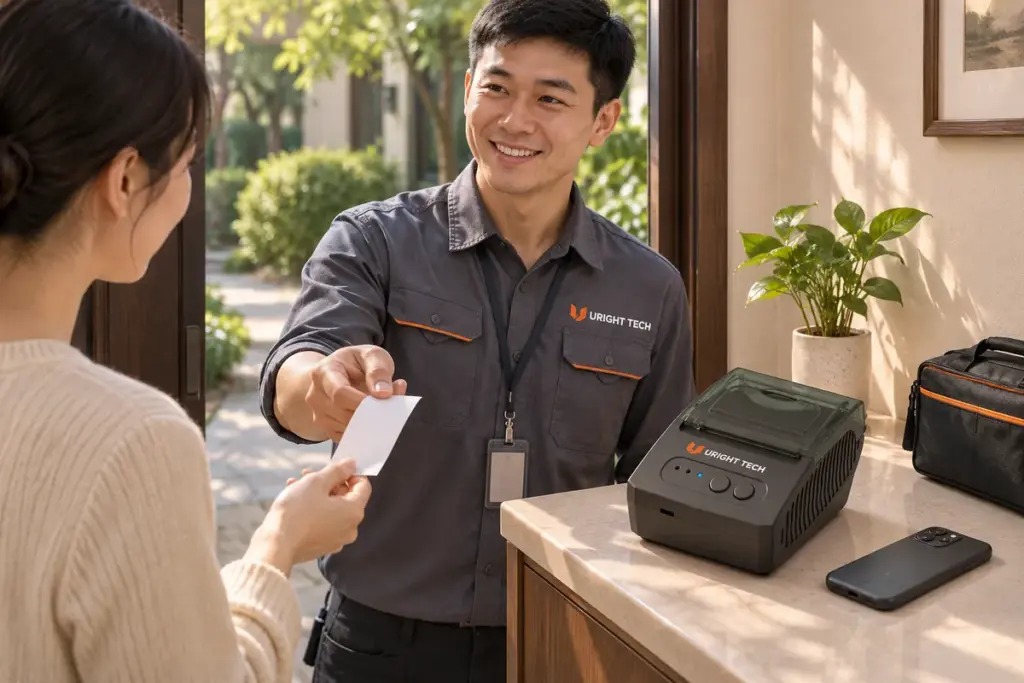
The appliance is working again. The technician has recorded the repair on a phone, and the customer wants a copy before the technician leaves. A mobile receipt printer for field service can produce that copy on site when the service application can send the job to the printer and the receipt fits the paper format.
Start with the last few minutes of a real visit. What does the technician confirm on the phone? What does the customer need on paper? What should the office be able to find afterward? Those answers help define a portable printing setup the team can use on every call.
Decide What the Customer Takes Away
Imagine a technician finishing an appliance repair. The customer needs the service reference, a short description of the work, the amount paid if a payment was recorded, and a number to call about the repair. The office already has a fuller job record with notes and photos. A short service receipt can give the customer the essential details and let the office find the original record using the same reference.
A team that needs to hand over a full inspection report or a long itemized document should review its page format before choosing a portable printer. Try the longest service description and part name in the intended layout. Check that line breaks leave the amounts associated with the correct items and that the service reference is easy to spot. If a full page is essential, an A4 document workflow may fit the job better.
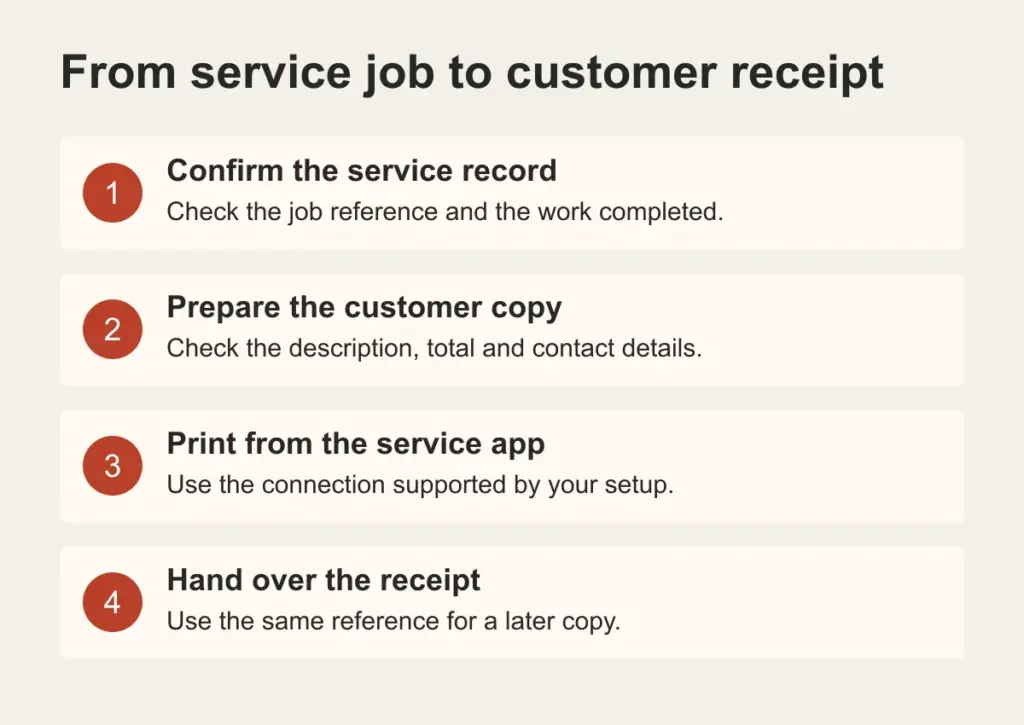
Illustration of a portable printing setup at a customer’s premises.
How to Print a Service Receipt on Site
At the end of the visit, the technician confirms the work and any recorded payment in the service app. The app prepares the customer copy and sends it through a supported printing route. Before handing over the slip, the technician checks the service reference, total where applicable, and contact details. If a copy is requested later, the team uses the same service record to issue it.
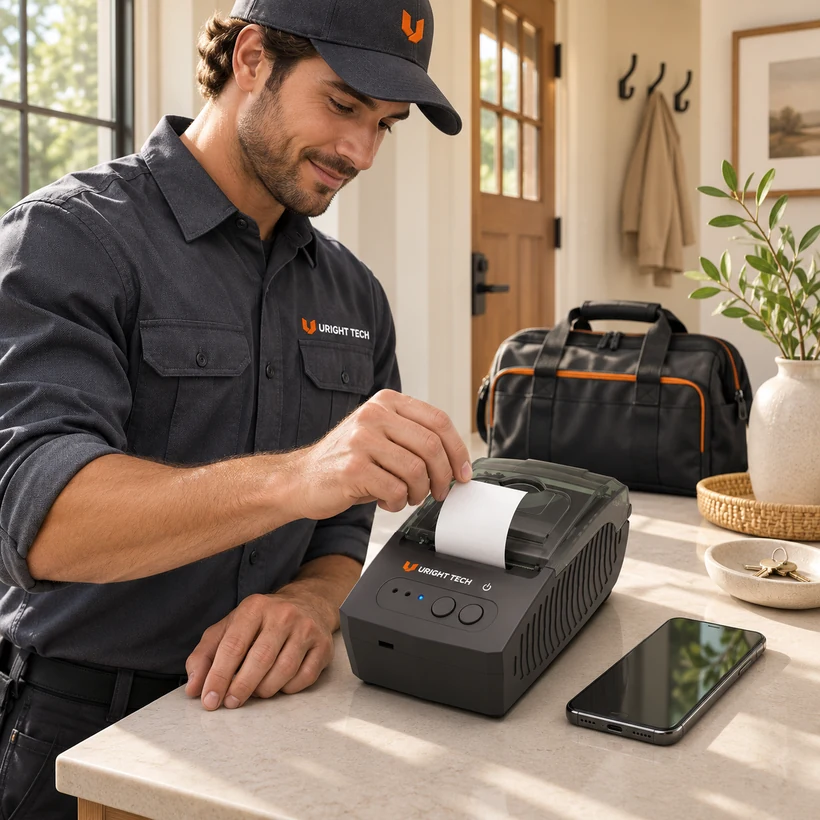
Example field-service workflow. The service application determines which actions are available on the technician’s phone.
Run through the whole visit with the phone, service app and receipt the team will actually use. A test print generated by a printer utility can help check the connection. Printing a service receipt from the work app also checks that the reference, fields and layout reach the customer copy correctly.
Check What Works Away from the Office
Technicians may work where mobile data or Wi-Fi is weak. If the phone and printer communicate over Bluetooth, ask the app provider which parts of the service workflow still depend on internet access. The app may need to retrieve a work order, confirm payment or build the receipt before it can send anything to the printer.
When the team needs to operate with limited connectivity, try closing a sample work order under those conditions before rollout. Check whether the app can access the record and generate a receipt, what it shows while a job is still pending, and what happens when connectivity returns. Decide who can request another copy so a genuine reprint can be identified against the original service reference.
Where a 58 mm Portable Printer Fits
The Uright UR-2811 is a portable direct thermal receipt printer with a rechargeable battery, Bluetooth and USB. Its nominal 58 mm format uses paper 57.5 ± 0.5 mm wide. It is an option for short service records when the receipt layout, mobile device and application work with the selected connection.
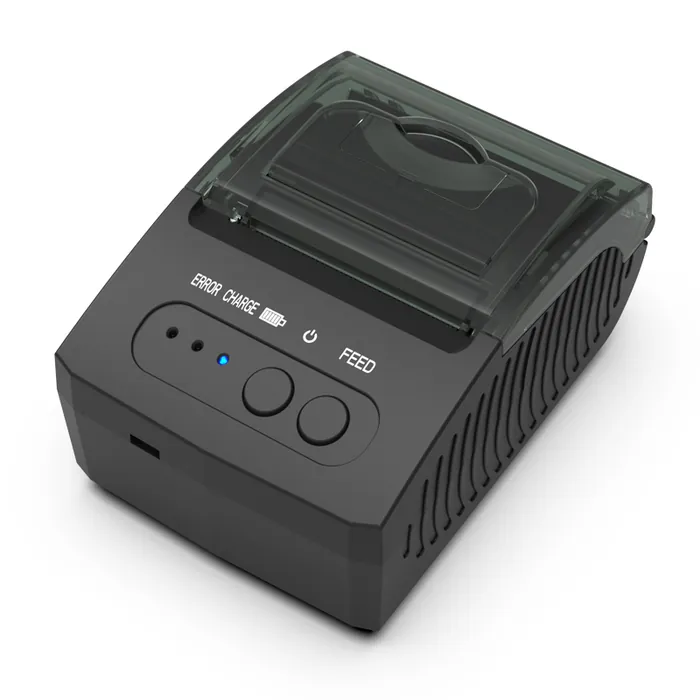
UR-2811 catalog image.
For a team working across several addresses in a day, think about where the printer is carried, when it can be charged and how staff replace paper on a visit. Test a short closeout and a longer itemized call. Include a second print from an existing record so the office and field team agree how replacement copies should be handled.
Bring One Sample Job to the Conversation
If you are choosing a portable printer for service receipts, send Uright a sample with customer details removed, along with your phone model, operating system version and the name of your service app. Tell us what the customer needs to receive and whether you often work where internet access is unreliable. We can review the format and discuss a suitable printer configuration with you.
Explore the mobile printing application guide, or send your sample by email or WhatsApp.